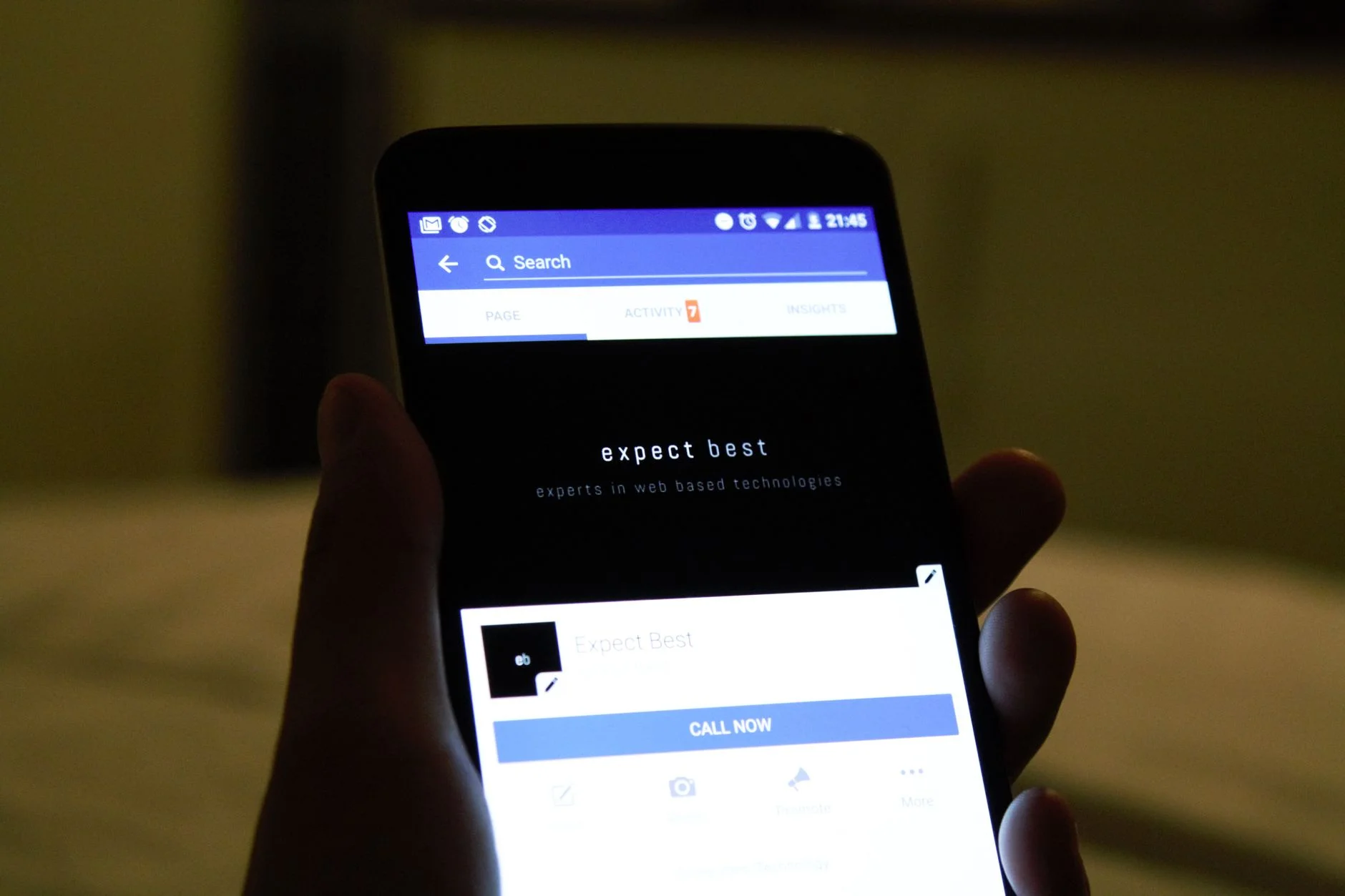
A user taps a push notification. The app was fully closed, not backgrounded, so the operating system has to build a new process from nothing. If your deep link handler assumes the app was already running, this is the exact moment it breaks, and the user lands on a generic home screen instead of the content the link promised.
Cold start deep linking is one of those problems that looks solved in a demo and then falls apart in production. The demo always opens the link from an already-running app. Real users close apps constantly, and the operating system kills backgrounded apps to free memory whenever it wants. Any deep linking design that doesn't treat cold start as the default case, not the edge case, will misroute a meaningful fraction of your traffic.
Why Cold Start Breaks Naive Deep Link Handling
When an app is running (foreground or background), the operating system can hand a link directly to a running instance of your app through an existing activity, view controller, or scene. Your code reads the URL, looks at the route, and pushes the right screen. That's the easy path, and it's the one most tutorials show.
A cold start is different. The OS has to launch the process, run through your entire app initialization sequence, wait for authentication state to resolve, wait for any local database or cache to open, and only then can it consider handling the link. If your deep link parsing happens before any of that finishes, one of two things happens: the link data gets silently dropped, or your app tries to navigate to a screen that depends on data it doesn't have yet and crashes.
The fix isn't a single code change. It's treating the incoming link as a piece of state you have to hold onto and replay once the app is actually ready, not a one-time event you handle immediately. Apple's own documentation on scene-based lifecycle handling covers the underlying state machine your handler has to cooperate with, and the same discipline applies on Android through the Activity lifecycle documentation.

Photo by panumas nikhomkhai on Pexels
Separate Link Capture From Link Handling
The most reliable pattern splits deep linking into two distinct steps that don't have to happen at the same time.
Capture happens the instant the OS delivers the link data to your process, cold start or not. All this step does is store the raw URL (and any associated payload, like a push notification's data dictionary) somewhere durable, such as a small in-memory holder or a lightweight persisted value if your app's startup sequence can take several seconds.
Handling happens once your app has reached a state where navigation is actually safe. That means: your root navigation container exists, your authentication check has resolved (logged in vs logged out changes where the link should route to), and any data the target screen needs is either loaded or loadable.
Your app should have exactly one place that asks "is there a pending deep link, and are we ready to handle it?" Check that condition after every major state transition during startup: after auth resolves, after the initial data fetch completes, after the splash screen dismisses. The first time the condition is true, consume the link and clear it so it doesn't fire twice.
Photo by Christina @ wocintechchat.com M on Unsplash

Handle the Logged-Out Case Explicitly
A shocking number of deep linking bugs are actually authentication bugs wearing a disguise. The link points to /orders/48213, the user isn't logged in, and the app either shows an error, silently redirects to a blank home screen, or worse, shows an authentication wall that discards the original destination once login completes.
Design the flow so the destination survives login. Store the pending route alongside (or instead of) the raw URL, redirect to your login screen, and once authentication succeeds, resume the original navigation intent rather than dropping the user on the default landing screen. This single fix accounts for a large share of "deep links don't work" complaints in app store reviews, because most real-world deep link taps come from marketing emails and push notifications sent to users who aren't sitting in an active session.
Universal Links and App Links Need a Real Fallback Route
iOS Universal Links and Android App Links are the modern standard because they use ordinary HTTPS URLs instead of custom schemes, which means the same link works whether or not the app is installed. That's also exactly why your fallback behavior matters as much as your in-app handling.
If the app isn't installed, the same URL needs to resolve to something coherent on the web: a mobile web version of the content, an app store listing with a smart banner, or at minimum a page that explains what the user was trying to reach. Treat this web fallback as a first-class part of the deep linking design, not an afterthought bolted on when someone notices bounce rates from paid app install campaigns are suspiciously high.
The technical setup for both platforms depends on a small JSON file hosted at a well-known path (apple-app-site-association for iOS, assetlinks.json for Android) that proves your app and your domain are associated. Get this verification file wrong, misconfigured caching headers on it are a common culprit, and every Universal Link on iOS silently falls back to Safari instead of opening your app, with no error message to tell you why. The W3C's work on web app manifests is a useful reference point for how browsers and native shells are converging on shared association models between a domain and an installed app.

Photo by Berna on Pexels
Route Definitions Should Be a Single Source of Truth
As deep linking use expands (push notifications, email campaigns, QR codes, share sheets, cross-app referrals) it's tempting to let each entry point construct its own routing logic. Resist this. Define your app's routes once, as a structured table mapping URL patterns to screen identifiers and required parameters, and have every entry point, cold start or warm, feed through that same table.
This has a practical benefit beyond code cleanliness: when product wants to add a new deep-linkable screen, there's exactly one place to register it, and existing entry points (push, email, sharing) automatically gain the ability to target it without separate integration work per channel. Teams building this in React Native often centralize it around the routing conventions documented on reactnavigation.org, while native Android teams typically anchor the table to the Jetpack Navigation library.

Photo by Czapp Árpád on Pexels
"The deep links that break in production are never the ones the team tested. They're the ones triggered by a real user's half-finished login session or a stale build still on their phone." - Dennis Traina, founder of 137Foundry
Test Cold Start Paths Deliberately
Most mobile QA checklists test deep links by tapping them while the app sits open on a test device. That validates almost nothing about cold start behavior. Force-quit the app before every deep link test, or run automated tests that launch the app process fresh for each case.
At minimum, verify these four scenarios for every deep-linkable route: cold start with a valid authenticated session, cold start while logged out, cold start with a corrupted or expired local cache, and cold start where the linked resource no longer exists (deleted order, expired promo, removed listing). That fourth case matters more than teams expect. A deep link to content that's gone needs a graceful "this isn't available anymore" screen, not a crash from a null lookup three screens deep in your navigation stack.
Instrument the Full Journey, Not Just the Tap
Most analytics setups log when a deep link is received. Far fewer log whether it actually resolved to the correct screen. Add an event that fires once your handling step successfully completes navigation to the intended destination, and a separate event for every place handling fails or falls back to a default screen.
Without that second event, deep linking regressions are invisible. A backend change that alters URL formats, an auth flow rewrite, an update to your app's startup sequence that shifts timing, any of these can silently break resolution while the "link received" metric stays flat. The gap between received and resolved is where your real problem lives, and you can't see it without measuring both sides. If you're already tracking crash and performance data in a tool like Sentry, a deep link resolution event fits naturally alongside those signals rather than living in a separate marketing analytics silo.
Google's own guidance on Android App Links verification also recommends server-side logging of association file requests, which is the earliest possible signal that a link resolution problem is coming, well before app-open metrics would show it.
If your team is planning a broader overhaul of how your app handles routing and state during startup, it's worth treating as part of a wider web development service conversation rather than a one-off patch, since cold start handling touches authentication, caching, and navigation architecture all at once.
Common Mistakes Worth Naming Directly
A few patterns show up repeatedly across teams that struggle with this:
Parsing the URL and immediately calling a navigation function without checking whether the navigation stack even exists yet. On a cold start, it usually doesn't, not for the first several hundred milliseconds of app life.
Assuming the deep link payload from a push notification and the deep link payload from a shared URL have the same shape. They often don't, and code written against one format silently drops fields from the other.
Treating Universal Link / App Link verification as a one-time setup step. Domain migrations, CDN changes, and certificate rotations can all break the association file's reachability, and nothing will alert you except a slow decline in app-open rates from links.
Not versioning the route table. When a route's required parameters change, old links (already sent in emails, already printed on physical materials, already cached in third-party systems) need to keep working, or degrade gracefully, rather than hard-crash against a newer app build.
Bringing It Together
Deep linking that survives cold starts comes down to a small number of disciplined habits: separate capturing a link from handling it, make authentication state part of the routing decision instead of a wall in front of it, give unauthenticated fallback the same design attention as the happy path, and test every route with the app fully closed, not just backgrounded.
None of this requires exotic tooling. It requires treating the cold start path as the default case your architecture has to support, since for a large share of real users tapping a real link, cold start is exactly what's happening. Teams that get this right stop seeing "the link didn't work" as an occasional mystery bug and start treating it as a solved, tested part of their services offering to their own users. For teams building this out for the first time, it's also worth reviewing your overall about approach to how engineering decisions like this get made, since deep linking touches product, backend, and mobile teams all at once and benefits from a shared owner.