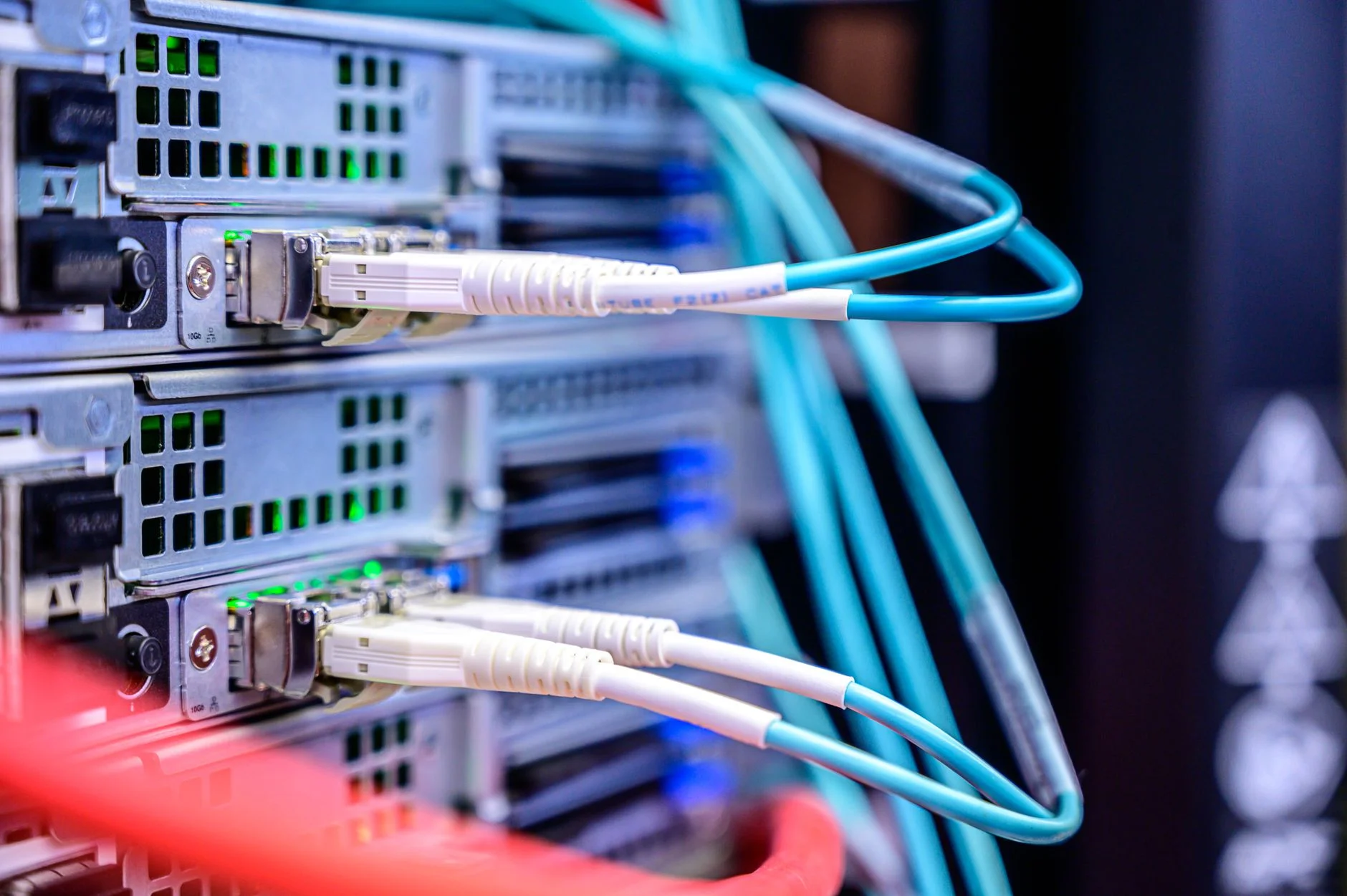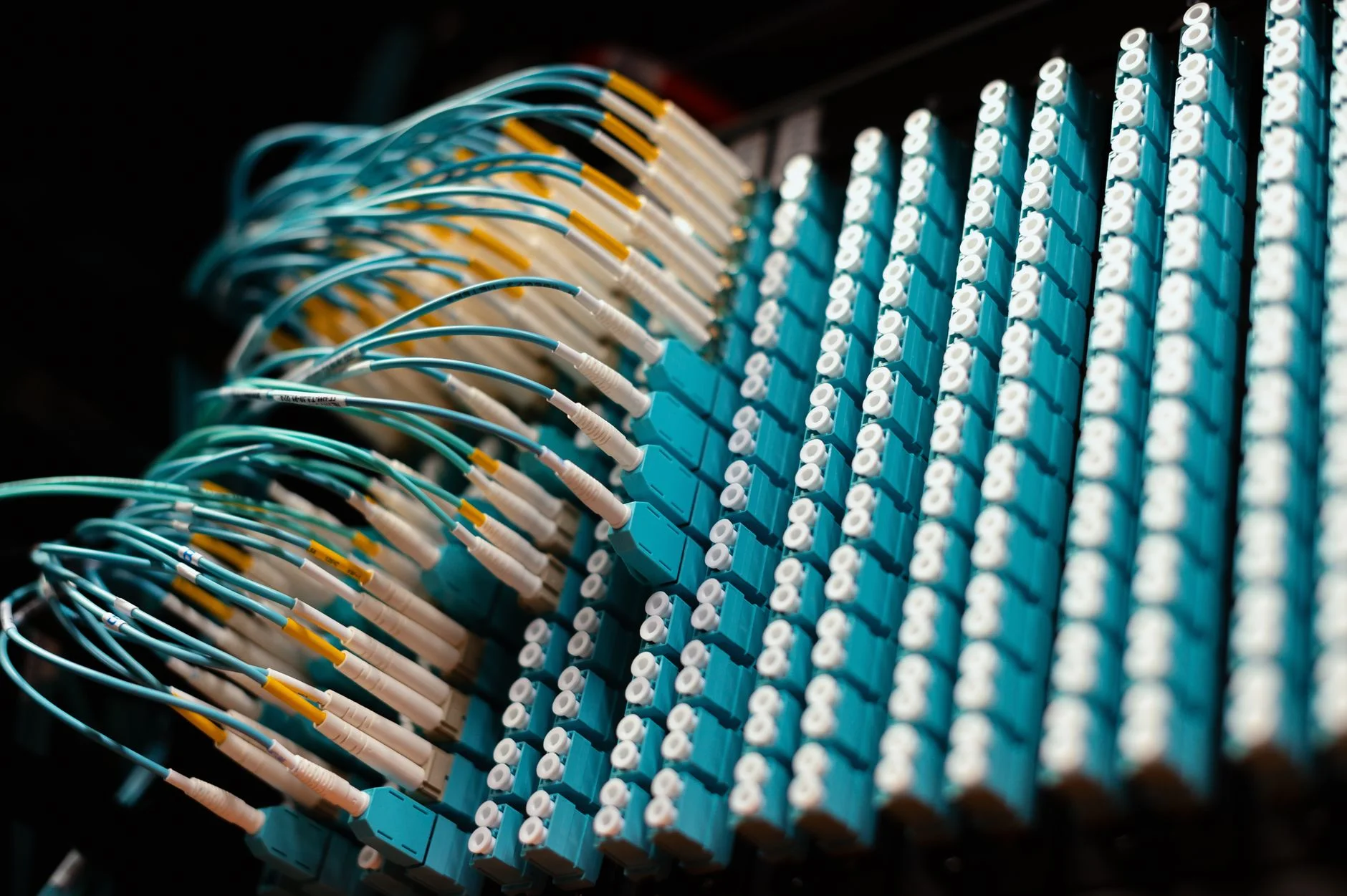
The worst version of this incident is the one where a data integration was down for three hours, the upstream system buffered events the entire time, and the operations team has to choose between replaying everything (and dealing with the duplicates) or replaying nothing (and dealing with the missing records). Most teams in that situation do not have a replay mechanism designed for the case. They have a one-off script someone wrote during the last incident, plus a Slack thread full of "should we run it now" and "wait, let me check the table first."
The right time to build the replay mechanism is before you need it. The wrong time is at 11 PM on a Saturday with a queue that has been growing for six hours. This piece walks through the design decisions that go into a replay system that is safe to run, the failure modes it has to handle, and the operational checks that make the difference between a clean recovery and a worse incident than the one you started with.

Photo by Brett Sayles on Pexels
What "replay" actually means
Different teams mean different things by "replay." In its loosest form, it is "rerun the integration for a time window." In its strictest form, it is "for every event that should have been processed during this window and was not, process it now exactly once, in the order it was originally received, and confirm that the downstream state matches what it would have been if the integration had never been down."
The strict form is almost never achievable end-to-end. You can usually get close, and the gap between what you achieve and the strict ideal is the source of every replay-related bug. Three specific compromises come up over and over:
- Out-of-order replay. The original events were ordered. The replay processes them in batches, possibly in parallel, and the order is lost. If downstream processing depends on order (an inventory update that goes "add 10, remove 5" is not the same as "remove 5, add 10" if you reach zero in between), the replay produces a different final state.
- Imperfect deduplication. The replay reprocesses events that were already processed during the partial-success period of the outage. Some downstream systems handle duplicates idempotently. Others double-count, double-charge, or fail constraint checks.
- Missing events. The upstream system's buffer overflowed, or events older than the buffer's retention window were dropped. The replay covers only what the buffer still has, and the rest is genuinely lost.
A good replay design names which of these compromises it accepts and which it refuses to accept. A bad replay design does not say, and the team finds out which compromise was made by reading the downstream report on Monday morning.
The data structure the replay needs
The single most useful artifact for any replay scheme is a durable event log on your side of the integration, indexed by upstream event ID and stamped with both ingest time and processing outcome. The shape is:
event_id (from upstream) | ingested_at | processed_at | outcome | target_record_idWhen the integration is healthy, every event flows through this log and produces a row. When the integration is unhealthy, the log shows you exactly which events made it in and which did not. When you need to replay, the log is the source of truth for the set of events that need to be retried, and the target_record_id column lets you check whether a downstream record was already created for the event.
The log lives in your storage, not the upstream system's. Counting on the upstream system to remember what it sent you is a category mistake; their retention window is theirs and they will change it without warning you. The first time you find out the buffer was shorter than you assumed is during the replay.
Implementation details: the log can be a database table, a Kafka topic with compaction, or an append-only file in object storage. For most teams it is a database table, partitioned by ingest date, with the event payload stored as JSON. The cost is not zero, but a row per event is well within what any modern database handles, and the operational value is enormous.
Idempotency, the actual hard part
If your downstream processor is fully idempotent on the upstream event ID, the replay is trivial: feed every event back through the processor, and the ones that were already processed produce no effect. This is the dream. It is also rare in practice, because most real-world integrations have at least one step that is not naturally idempotent.
The common non-idempotent operations:
- Sending a notification. Slack messages, emails, SMS. Sending twice is not the same as sending once.
- Charging a card. Payment systems are usually idempotent on a key you supply, but only if you remembered to supply the key.
- Writing to a system that auto-increments. A downstream record with a database-assigned ID will get a new ID on each replay attempt, and the link between upstream event and downstream record is broken.
- Calling a third-party API without an idempotency key. Most modern third-party APIs support an idempotency key but require you to send one; if you forgot, every retry creates a new resource.
The pattern that works for every one of these is to do the work behind a check-then-act block keyed on the upstream event ID. The pseudocode is the same regardless of platform:
record = lookup_downstream_record_by_event_id(event_id)
if record is None:
    record = create_downstream_record(event_payload, event_id_as_idempotency_key)
    update_log(event_id, target_record_id=record.id, outcome="success")
else:
    update_log(event_id, target_record_id=record.id, outcome="already_processed")
The lookup needs to be in the same transaction as the update for the create-then-update path, and the downstream system needs to support an idempotency key for the create path. Both are real engineering work. There is no shortcut; if you skip either, the replay produces duplicates the first time it is run.
A thorough treatment of the general patterns is in the OWASP cheat sheet series, and the broader software engineering framing is well covered in the body of work around exactly-once processing in distributed systems. The mathematical underpinning is the property of idempotence, and the architectural primitive the replay design depends on is a durable message queue. Many streaming-based integrations sit on top of Apache Kafka, which provides the replayable log this kind of system needs.
Photo by Jeferson Tomaz on Unsplash

The operational controls that keep a replay safe
Beyond the data structure and the idempotency, a replay system needs three operational controls that distinguish it from the "run this script and hope" approach.
Dry run first. The replay tool should support a mode that walks the same code path as a real replay but does not actually call the downstream system. The output is the count of events that would be processed, the count that would be skipped as already-processed, and a sample of the first few events from each category. The operator runs this first, reads the numbers, and confirms they match expectations before running the live version.
Time-bounded scope. The replay command takes a start time and an end time. It does not have a "replay everything" mode, even by accident, because someone will eventually run that mode in the wrong shell and reprocess six months of events. The bounds are mandatory arguments, and the tool refuses to run without them.
Rate limiting. The replay processes events as fast as the downstream system can handle them, not as fast as the replay tool can dispatch them. The default rate should be conservative (often slower than the integration's normal steady-state rate) and the operator should have to explicitly opt into higher rates. The reason is simple: the downstream system has been handling steady-state traffic; suddenly hitting it with a burst representing six hours of events is a separate incident.
"We made replay safety mandatory in our integration framework: every connector has to ship with a dry-run mode, time-bounded arguments, and a default rate limit. The replay incidents went from a regular fire-drill to a routine recovery, and the difference paid for the framework work within the first quarter." - Dennis Traina, founder of 137Foundry
The same three controls are baked into the most thoughtful change-data-capture pipelines and into the better managed integration platforms. The pattern is general: any tool that reprocesses real production data needs the same safety harness as any other production change.
Photo by Kindel Media on Pexels
When to use replay versus when to use compensating actions
A replay is the right tool when the integration's downstream is the source of truth and the upstream events represent state that should be in the downstream. A replay is the wrong tool when the downstream state has diverged significantly during the outage (for example, operators manually corrected records during the outage and the replay would clobber the corrections).
For divergent-state cases, the right tool is a compensating action: a deliberate diff between the upstream and downstream states, reviewed by an operator, that produces a list of specific changes to apply. This is more work than a replay, and it is the right work when the simpler tool would do harm.
The honest pattern is to build both. The replay covers the bulk-recovery case for the routine outages. The diff-and-compensate workflow covers the rare divergent-state case for the outages that involved manual intervention. The team that builds only the replay eventually finds the divergent-state case and runs the replay anyway, because that is the tool they have. The downstream report on Monday morning is the receipt.
What "done" looks like for replay
A replay capability is done when an on-call engineer, alone, at 2 AM, after a six-hour upstream outage, can:
- Identify the time window of missing events from the dashboard.
- Run the dry-run replay scoped to that window and read the expected outcome counts.
- Run the live replay scoped to the same window and watch the progress.
- Confirm via the same dashboard that the gap closed.
If any of those steps requires SQL queries against the production database, ad-hoc script edits, or a Slack thread with a senior engineer, the replay capability is not done. Outages happen on weekends. Production access is slow on weekends. The on-call engineer is alone on weekends. The replay needs to be a tool, not a procedure.
For more on the surrounding decisions (how to design the event log, how to handle out-of-order delivery, how to build idempotency keys that survive retries), the 137Foundry services page and the rest of the 137Foundry data integration service cover the architectural side. The 137Foundry articles cover the related operational patterns: integration error queues, schema drift, change data capture, and idempotency for retry-prone webhooks. The replay tool is one piece of a larger reliability story, and the rest of the pieces matter just as much when an incident hits.