A developer is debugging a failing import job at the end of a long day. The fastest way to explain the problem to an AI coding assistant is to paste the stack trace, the function, and a few rows of the file that broke it. Those rows contain real customer names and email addresses. The paste takes four seconds, the answer is useful, and nobody thinks about it again.
That small moment is a data transfer. Whatever goes into the prompt leaves the machine and lands on a service the company does not operate. Sometimes that is fine, and sometimes it is a contract violation, a compliance finding, or the start of an incident review. The difference is almost never the tool. It is whether the team decided in advance what is allowed to leave.

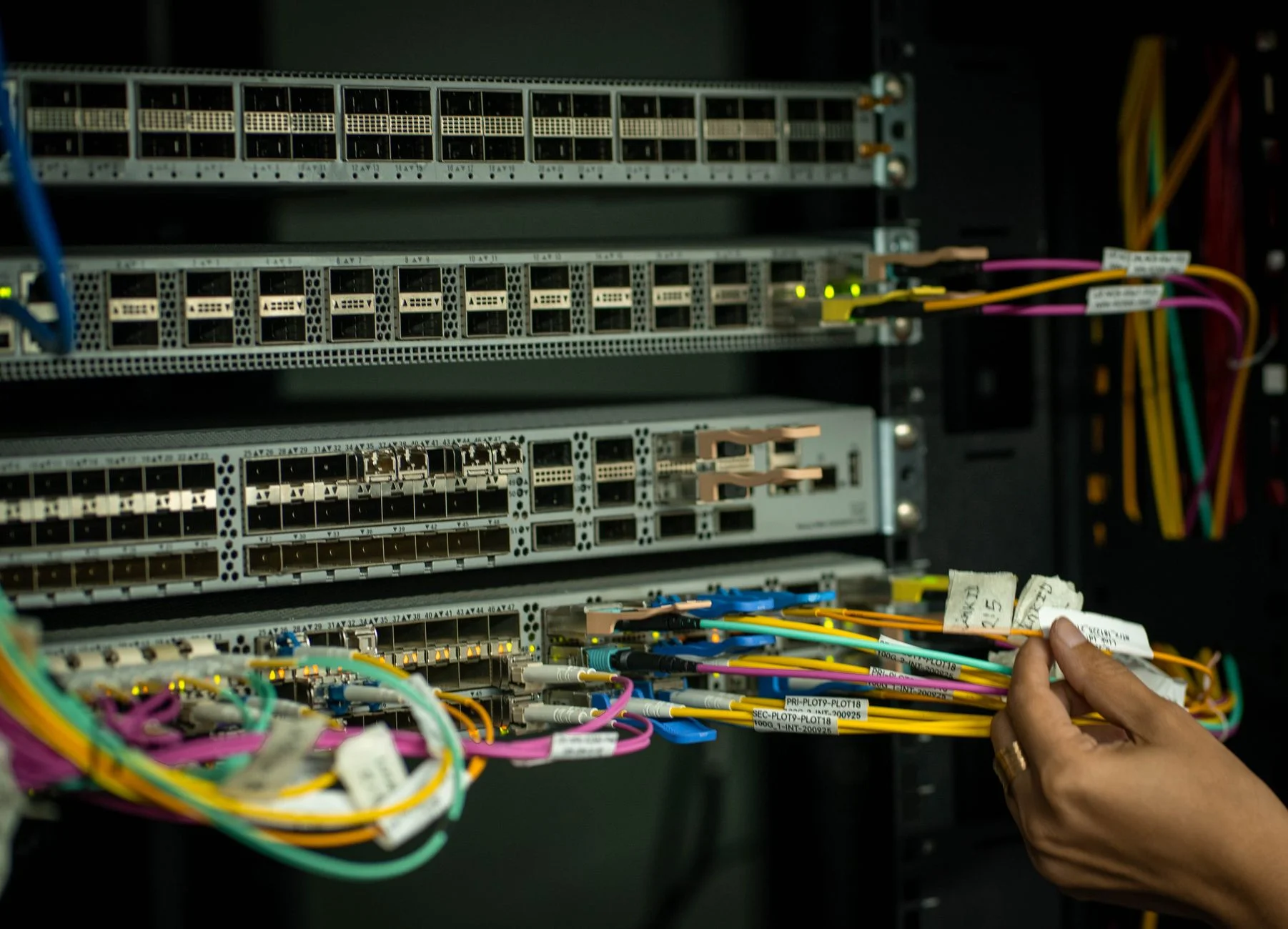
Photo by Jakub Zerdzicki on Pexels
Why Prompts Are a Data Path Most Teams Never Mapped
Most engineering organizations have a reasonably clear picture of where customer data flows. The database, the backups, the analytics warehouse, and the third-party vendors under contract all show up on a diagram somewhere. The prompt box in an editor plugin almost never does.
An assistant is different from a normal developer tool because it is useful in proportion to how much context it receives. That creates steady pressure to include more: the whole file, the environment config, the failing payload, the production log line. Each of those is a small convenience that adds up to a large and invisible flow of information.
The first step is to treat it as a data path and name it. Once prompts appear on the same diagram as every other outbound flow, the usual questions apply. What is sent, to whom, under what terms, and who approved it?
Sort What Can Never Leave From What Usually Can
A blanket ban on sharing anything with an assistant is easy to write and impossible to enforce. People will route around it, and the work will move to personal accounts nobody can see. A tiered policy survives contact with real work much better.
Start with a short list of things that never go into a prompt, in any tool, under any plan. This list should be small enough that every developer can recite it:
- Credentials of any kind: API keys, tokens, passwords, private keys, connection strings.
- Personal data about real people: names, emails, phone numbers, addresses, payment details, health or financial records.
- Production data of any shape, even when it looks anonymous.
- Source files covered by a customer contract that forbids third-party processing.
Then name what is generally fine: public library code, framework questions, generic algorithm problems, and your own code with sensitive values replaced. Most of a developer's day falls in that second group, which is exactly why the first group needs to be so clear.
Read the Vendor Terms Before You Pick the Tool
Policy is only half the picture, because the tool itself has settings that change the risk dramatically. Two plans from the same vendor can differ on whether prompts are retained, whether they are used to improve models, and where processing happens.
Someone on the team needs to read the actual data handling terms for every assistant in use, not the marketing page. Look for retention periods, training use, subprocessors, region options, and what happens to data when an account is deleted. Write down the answers next to the tool's name in your internal documentation so the next person does not have to repeat the research.
The NIST Privacy Framework is a useful vocabulary for this review even if your company is not required to follow it. It gives you plain categories for identifying what data is processed, how it is governed, and what controls apply, which keeps the conversation from turning into opinions about whether a vendor seems trustworthy.
Business accounts with admin controls are usually the right answer for teams. They let you disable training use, set retention, and see who is using the tool. Personal accounts used for work are the case to eliminate, because none of those controls apply and nobody can audit them.
Make the Safe Path the Easy Path
Rules that depend on developers remembering them under deadline pressure will fail on the worst possible day. The more reliable approach is to change the environment so that the safe action takes less effort than the unsafe one.
Give developers a realistic sample dataset that looks like production but contains no real people. A few hundred synthetic rows with the same shape, the same awkward edge cases, and the same encoding problems as the real thing remove the main reason anyone pastes production data. Debugging with fake rows that fail the same way is just as effective, and nothing sensitive is at stake.
Keep a small set of redacted fixtures next to the code, in the repository, with names that make their purpose obvious. When a developer wants to ask an assistant about a failing parser, the fixture is right there and already safe to share.

Photo by Pixabay on Pexels
Keep Secrets Out of the Files the Assistant Can See
Many assistants read project files automatically to build context, which means anything sitting in the working directory is a candidate to be sent. A .env file in the project root is the obvious example, and it is the one that causes the most trouble.
Move real secrets out of the repository folder entirely when you can. Load them from a secrets manager or from the operating system environment, and keep only a template file with placeholder values in the project. Then configure the assistant's ignore settings so that environment files, key files, and anything under a directory of customer exports are excluded from context.
The OWASP Cheat Sheet Series has a solid page on secrets management that lays out the options and their tradeoffs. The principle underneath all of them is the same: a secret that is never in a file cannot be pasted, indexed, or committed by accident.
Add Automated Checks Where People Will Slip
Training and policy reduce mistakes, but they do not eliminate them, and a missed check is cheap to automate. There are two places worth covering: what goes into a prompt, and what comes back out into the codebase.
For the first, many teams use a local redaction step that scans text before it is sent and masks patterns that look like emails, phone numbers, tokens, and card numbers. Some editor integrations support this directly, and a small wrapper script or proxy can do it for those that do not. It will not catch everything, so treat it as a safety net rather than a promise.
For the second, scan commits. Assistants sometimes echo a secret they were shown into generated code, or developers copy a working example that contained a real value. A secret scanner such as Gitleaks running inside a pre-commit hook catches those before they reach the repository history, where removing them is far more painful.
"Most leaks we see are not malicious and not even careless. They are someone trying to get unstuck quickly with the information closest to hand. If the closest information is safe to share, the problem mostly goes away." - Dennis Traina, founder of 137Foundry
Separate Sensitive Work From Everyday Work
Some code genuinely should not be shown to an external service at all. Cryptographic key handling, proprietary pricing logic, and anything governed by a strict customer agreement fall into this group. Trying to manage these case by case invites exceptions.
Mark those paths explicitly. A short file in the repository listing restricted directories, combined with assistant ignore rules for the same paths, gives both people and tools a clear boundary. Reviewers can then ask a simple question of any pull request that touches those paths: was this written without outside assistance, or with an approved tool under approved terms?
For work that is sensitive but still benefits from help, a self-hosted or private-deployment model is sometimes a reasonable option. It trades convenience and capability for control, and it is worth the cost only for the narrow set of code where the alternative is no assistance at all. Static analysis tools like Semgrep can also run entirely inside your own infrastructure and cover a surprising amount of what developers wanted an assistant for in the first place.
Plan for the Day It Happens Anyway
Even a well-run team will eventually have someone paste something they should not have. What matters then is whether the response is calm and fast or hidden and slow.
Decide ahead of time what happens. Make reporting easy and free of blame, because an engineer who fears punishment will say nothing, and silence is the worst outcome. Define who assesses the exposure, how you determine what was sent and under which account, and when a leaked credential must be rotated. A leaked key should be treated as compromised the moment it is known, with no debate about how likely anyone is to find it.
Check what the vendor offers for deletion requests and how long they take. Keep a short record of each incident, even a minor one. After a few entries, the pattern will tell you where the safe path is still too hard, and that is the part of the system worth fixing next.

Photo by Tima Miroshnichenko on Pexels
Measure Whether the Guardrails Work
A policy nobody checks becomes decoration within a quarter. A few lightweight signals tell you whether this is working without turning into surveillance.
Track how often the secret scanner blocks a commit and what it finds. A steady trickle of catches means the net is working and people are still making the original mistake. A sudden spike after a new tool rollout is a prompt to retrain. If the count is permanently zero, test that the scanner is actually running.
Review the assistant admin dashboard where one exists. Look for accounts outside the approved plan, unusual usage from projects that should be restricted, and tools nobody told you about. Run a short, friendly survey once a quarter asking what people are pasting and why. The answers usually point to a missing fixture or an unclear rule, not to bad intent.
Keep the Rules Short and Revisit Them
The temptation after an incident is to write a long document that tries to cover every case. Nobody will read it, and the next tool will arrive before the document is finished. A one-page standard with a never-list, an approved-tools list, and a clear incident path will outlast a thirty-page policy.
Put the page where developers already look, such as the repository README or the onboarding checklist. Review it whenever a new assistant is added or a vendor changes its terms, since both events can quietly change the risk. Pair it with the practical supports described above, so that following the rule is the path of least resistance.
Closing Note
Assistants are going to stay in the development workflow, and the productivity gain is real enough that avoiding them rarely works. The goal is not to slow people down. It is to make sure the information that leaves the building is information you chose to send.
Name the data path, keep a short never-list, choose tools with terms you have actually read, and give developers safe fixtures so the easy option is also the safe one. Back it up with scanners where people will slip, and plan the incident response before you need it. The AI automation services at 137Foundry cover this kind of setup for teams adopting AI-assisted development, and the services hub outlines the wider engineering work. You can also find our broader thinking on our homepage or learn more on the about page.