
Every list endpoint starts with LIMIT 20 OFFSET 0 and works fine for months. Then a table crosses a few million rows, a support ticket mentions a page that takes eleven seconds to load, and the fix that seemed unnecessary in the design doc suddenly isn't optional anymore.
Pagination is one of those problems that looks solved the first time you write it and only reveals its real shape once the dataset is big enough to expose the difference between the three common approaches. This is a working reference for offset, keyset, and cursor-based pagination, what each one actually does under the hood, and the code for implementing them correctly.
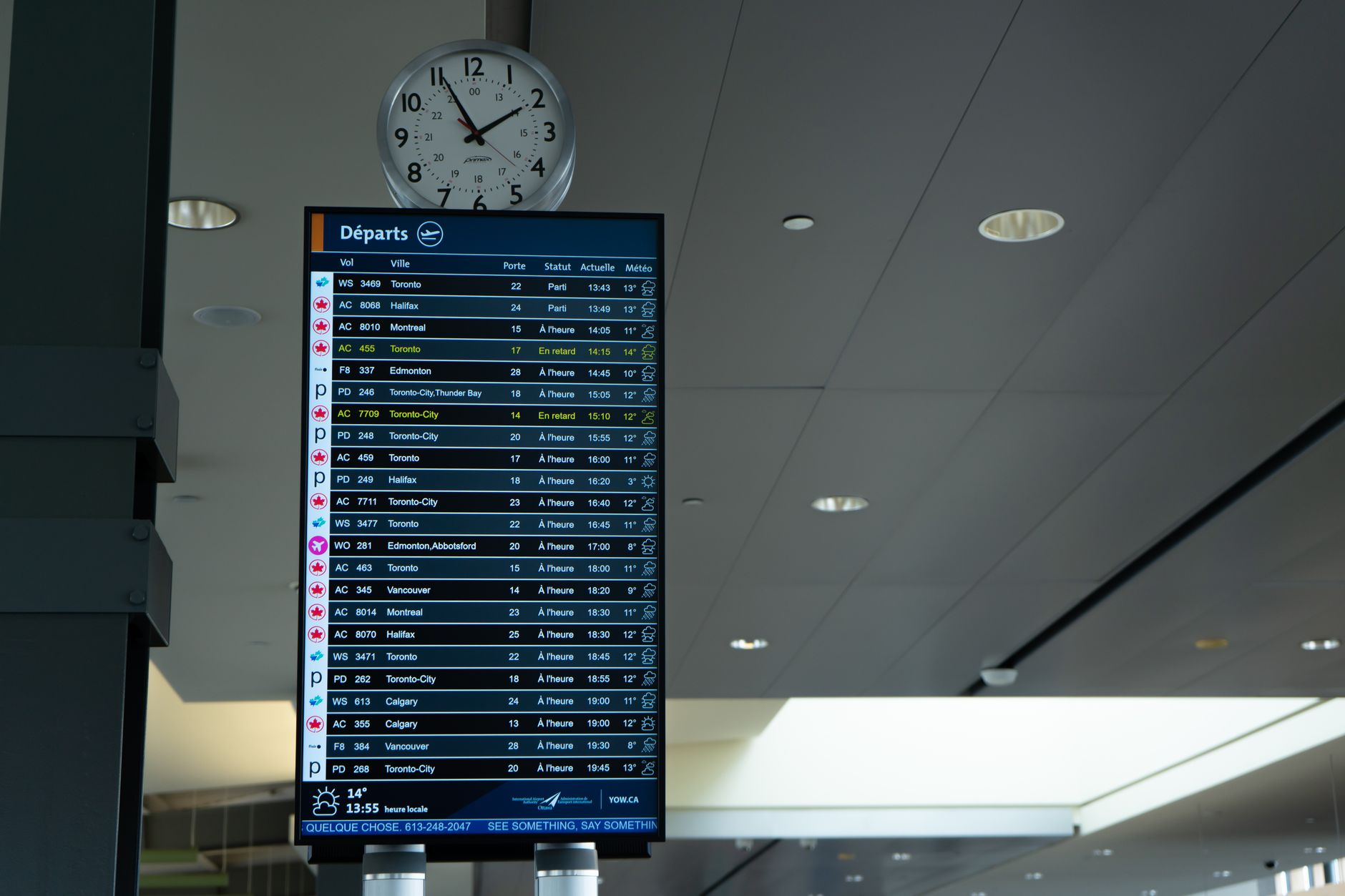
Photo by Braeson Holland on Pexels
Why Offset Pagination Works Until It Doesn't
OFFSET and LIMIT are easy to reason about because they map directly to "page number times page size." Page 4 at 20 per page is OFFSET 60 LIMIT 20. The database understands this instantly, and for small tables it costs almost nothing.
The problem is that most databases can't skip 60 rows without touching them first. The engine still scans and discards every row before the offset, so OFFSET 500000 does roughly 500,000 rows of work before it returns anything. Page 1 stays fast forever. Page 25,000 gets slower every time the table grows.
-- Cheap on page 1, expensive on page 2000
SELECT id, title, created_at
FROM articles
ORDER BY created_at DESC
LIMIT 20 OFFSET 40000;
How OFFSET/LIMIT Actually Executes Under the Hood
Most relational engines, including PostgreSQL, execute OFFSET as a post-processing step on top of a full sorted scan rather than as an index lookup to a specific position. Adding an index on the sort column speeds up the sort itself, but it does nothing for the cost of skipping rows once the offset gets large.
-- The index helps the ORDER BY, not the OFFSET skip cost
CREATE INDEX idx_articles_created_at ON articles (created_at DESC);
This is why teams often don't notice the problem until a table passes a few hundred thousand rows. The query plan looks identical at every offset value; only the execution time changes, and it changes gradually enough that nobody notices until a specific page becomes a specific complaint.
Photo by Eric Stoynov on Unsplash

Keyset Pagination: Skip the Scan Entirely
Keyset pagination, sometimes called seek pagination, replaces "skip N rows" with "give me rows after this specific value." Instead of an offset, the client sends the last sort-key value it saw, and the query uses that as a WHERE boundary the index can seek to directly.
-- Client sends the created_at of the last row from the previous page
SELECT id, title, created_at
FROM articles
WHERE created_at < '2026-09-14T10:00:00Z'
ORDER BY created_at DESC
LIMIT 20;
Because the index can seek straight to that boundary instead of counting through everything before it, this query costs roughly the same whether it's page 2 or page 20,000. The tradeoff is that you lose the ability to jump to an arbitrary page number. Keyset pagination is built for "next" and "previous," not "take me to page 47."
Handling Ties and Composite Sort Keys
A single sort column almost never guarantees uniqueness on its own. Two articles published in the same second will both satisfy created_at < X, which means a plain keyset query can silently skip or repeat rows right at that boundary.
The fix is a composite key: sort by the natural column plus a tie-breaker that is guaranteed unique, usually the primary key.
-- Composite key handles the tie: same created_at, different id
SELECT id, title, created_at
FROM articles
WHERE (created_at, id) < ('2026-09-14T10:00:00Z', 8842)
ORDER BY created_at DESC, id DESC
LIMIT 20;
Row-value comparisons like (created_at, id) < (...) are supported directly in PostgreSQL and most other engines, and they express the tie-breaking logic in a single clause instead of a nested OR. Skipping this step is the single most common bug in hand-rolled keyset pagination, and it only shows up when two rows happen to land on the same timestamp.

Photo by Anna Tarazevich on Pexels
Cursor-Based Pagination for APIs
Public APIs generally don't want to expose raw column values as pagination state, both for opacity and so the internal schema can change without breaking clients. Cursor-based pagination wraps the same keyset idea in an opaque, encoded token.
// Encode the keyset boundary into an opaque cursor
function encodeCursor(createdAt, id) {
  return Buffer.from(JSON.stringify({ createdAt, id })).toString('base64url');
}

function decodeCursor(cursor) {
  const { createdAt, id } = JSON.parse(Buffer.from(cursor, 'base64url').toString());
  return { createdAt, id };
}
This is effectively what document-oriented systems like MongoDB do internally when a driver returns a cursor object, and it's the same pattern behind the connection-based pagination model popularized by Relay for GraphQL APIs. The client never sees or manipulates the underlying sort values directly; it just passes the token back on the next request.
The Link Header Standard for REST APIs
If you're building a REST API rather than GraphQL, there's already a standard for how pagination links should be communicated: the Link header defined in RFC 8288. It lets a response advertise rel="next" and rel="prev" URLs without inventing a custom envelope format.
Link: <https://api.example.com/articles?cursor=abc123>; rel="next",
      <https://api.example.com/articles?cursor=xyz789>; rel="prev"
Clients that already know how to follow standard Link headers, including most HTTP client libraries and API testing tools, get pagination support for free instead of needing custom parsing logic for your specific response shape.
What Breaks When Records Change Mid-Pagination
Offset pagination has a well-known failure mode: if a row is inserted or deleted between two page requests, every subsequent offset shifts by one, and the client either sees a duplicate row or silently skips one. This is invisible in a demo and constant in a live feed with concurrent writes.
Keyset and cursor-based pagination don't have this problem in the same way, because the boundary is a value, not a position. A row inserted earlier in the sort order doesn't shift where "everything after this timestamp" begins. A row inserted after the client's last cursor simply shows up on the next page, which is the correct behavior rather than a bug.
-- This boundary is stable even if rows are inserted or deleted elsewhere in the table
WHERE (created_at, id) < ('2026-09-14T10:00:00Z', 8842)
"The pagination bugs that generate support tickets are almost never about the SQL being wrong. They're about a team choosing offset pagination for a feed that gets written to constantly, and only finding out it drops rows once a customer notices their own." - Dennis Traina, founder of 137Foundry
Choosing Between Offset, Keyset, and Cursor
Offset pagination is still the right default for small, mostly-static tables and any UI that genuinely needs "jump to page 12" behavior, like an admin table with a page-number control. The complexity of keyset or cursor pagination isn't worth it below a few tens of thousands of rows.
Keyset pagination is the right choice for large tables with simple "next page" navigation and no requirement to jump to an arbitrary page number, which describes most infinite-scroll feeds and API list endpoints. Cursor-based pagination is the same technique wrapped for public API consumption, and it's the pattern behind large-scale APIs like Stripe's, where clients page through transaction and event lists that are both huge and constantly being written to.
The decision usually comes down to one question: does anything in your product actually need to jump to a specific page number? If the honest answer is no, keyset or cursor pagination will hold up as the dataset grows in a way offset pagination structurally cannot.
It's also fine to mix approaches within the same product. An admin dashboard used by a handful of internal staff can keep simple offset pagination over a table that will never reach a scale where it matters, while the public-facing feed backed by the same underlying data uses cursor pagination because it's read constantly and grows without bound. Picking the right tool per endpoint, rather than one pagination strategy for the whole codebase, avoids both premature complexity and the eventual rewrite.
Testing Pagination Logic Without Flaky Fixtures
Pagination tests fail in confusing ways when the test fixture data doesn't force the edge cases that break naive implementations, particularly duplicate sort-key values and boundary rows that sit exactly on a page split.
// Force the tie-breaking edge case explicitly rather than hoping the fixture creates it
test('keyset pagination handles duplicate created_at values', () => {
  const rows = [
    { id: 1, createdAt: '2026-09-14T10:00:00Z' },
    { id: 2, createdAt: '2026-09-14T10:00:00Z' }, // same timestamp, different id
    { id: 3, createdAt: '2026-09-14T09:59:00Z' },
  ];
  const page = paginateByKeyset(rows, { createdAt: '2026-09-14T10:00:00Z', id: 1 }, 2);
  expect(page.map(r => r.id)).toEqual([2, 3]); // id 1 already seen, not repeated
});
Writing this test once, with deliberately colliding timestamps, catches the composite-key bug described earlier before it ever reaches a code review, let alone production traffic.
Should You Even Show a Total Row Count?
Product designs often ask for "Page 3 of 480" style navigation, which requires a COUNT(*) on the full filtered table. That count query costs roughly as much as the OFFSET problem it sits next to, since most engines still have to scan or use an index to tally every matching row rather than reading a cached total.
If the exact number isn't load-bearing for the user, an approximate count or a simple "there's more" indicator removes an expensive query without changing the experience much. Search products and social feeds increasingly show "1,000+ results" instead of an exact figure for exactly this reason, and it's worth pushing back on an exact-count requirement in a design review before building the expensive version.
When an exact total genuinely matters, such as a billing or compliance report, cache the count separately and refresh it on a schedule rather than recomputing it on every paginated request. Treating "how many total rows" and "give me the next 20" as two different problems with two different costs keeps either one from forcing bad tradeoffs on the other.
Bringing It Together
Offset pagination is simple and fine until the table grows past the point where skipping rows is cheap. Keyset pagination fixes the performance problem by seeking to a value instead of counting past rows, as long as the tie-breaking column is handled explicitly. Cursor-based pagination is the same idea packaged for public APIs, opaque tokens instead of raw sort values, and it's the pattern to reach for anywhere clients page through a dataset that keeps growing while they read it.
If your team is still running offset pagination against a table that's outgrown it, 137Foundry's web development team has migrated this exact pattern for products where the "page 40 is slow" ticket had been sitting in the backlog for months. Pagination performance issues are frequently tangled up with the same schema and query patterns that show up in broader data integration work, so it's worth looking at both together. Browse the full services list, or head back to the 137Foundry homepage for more practical engineering writeups like this one.