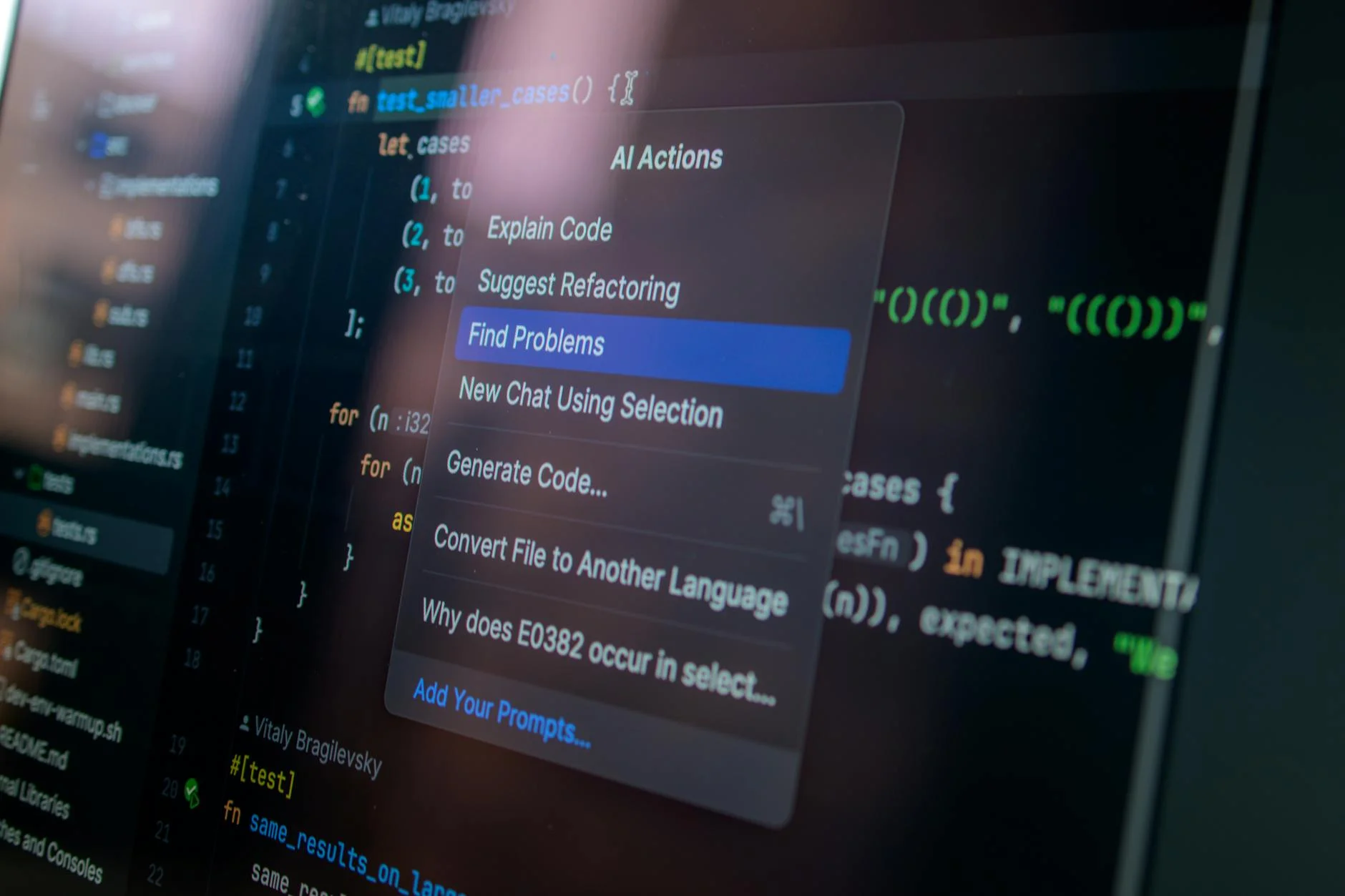
In 2022, AI coding assistants went from a novelty to a standard part of many developers' daily workflow. GitHub Copilot, ChatGPT, Claude, Cursor, and a growing list of specialized tools have shifted what "writing code" looks like in practice. The shift is real, but the marketing around these tools tends to be either breathlessly optimistic or dismissively skeptical. Neither position is useful.
The practical reality is more granular: AI coding assistants are genuinely good at specific tasks, introduce real risks in specific contexts, and require thoughtful integration into existing workflows to produce net positive results. Understanding where the gains are reliable and where the risks concentrate lets teams adopt these tools intentionally rather than reactively.
Where AI Coding Assistants Deliver Consistent Value
The clearest gains from AI coding assistants come in tasks that are repetitive, well-defined, and not novel. This is a more specific category than it first appears.
Boilerplate and scaffolding: Setting up a new API endpoint, writing a database migration, configuring a new service - these tasks follow predictable patterns that AI tools handle well. A developer who would have spent 20 minutes writing a standard REST controller can now get a solid starting draft in 30 seconds and spend those 20 minutes on the business logic that actually requires original thinking.
Documentation and comments: AI tools are significantly better than most developers at generating consistent, thorough inline documentation. Code that would otherwise ship with sparse or absent comments gets documented at a quality level that would be tedious to produce manually. This has a compounding benefit: better-documented code is easier to maintain and easier to hand off.
Test generation: Writing unit tests is important but time-consuming, and it is work that many developers deprioritize under deadline pressure. AI tools can generate test cases for a given function quickly - not always correctly, but as a starting point that surfaces edge cases the developer might not have considered. The developer's job becomes reviewing and correcting the generated tests rather than writing them from scratch.
Language and framework bridging: A senior developer who knows Python well but is working on a TypeScript project for the first time can use AI assistance to bridge the gap - translating patterns they know into the syntax they need. This accelerates ramp-up on unfamiliar technology significantly.
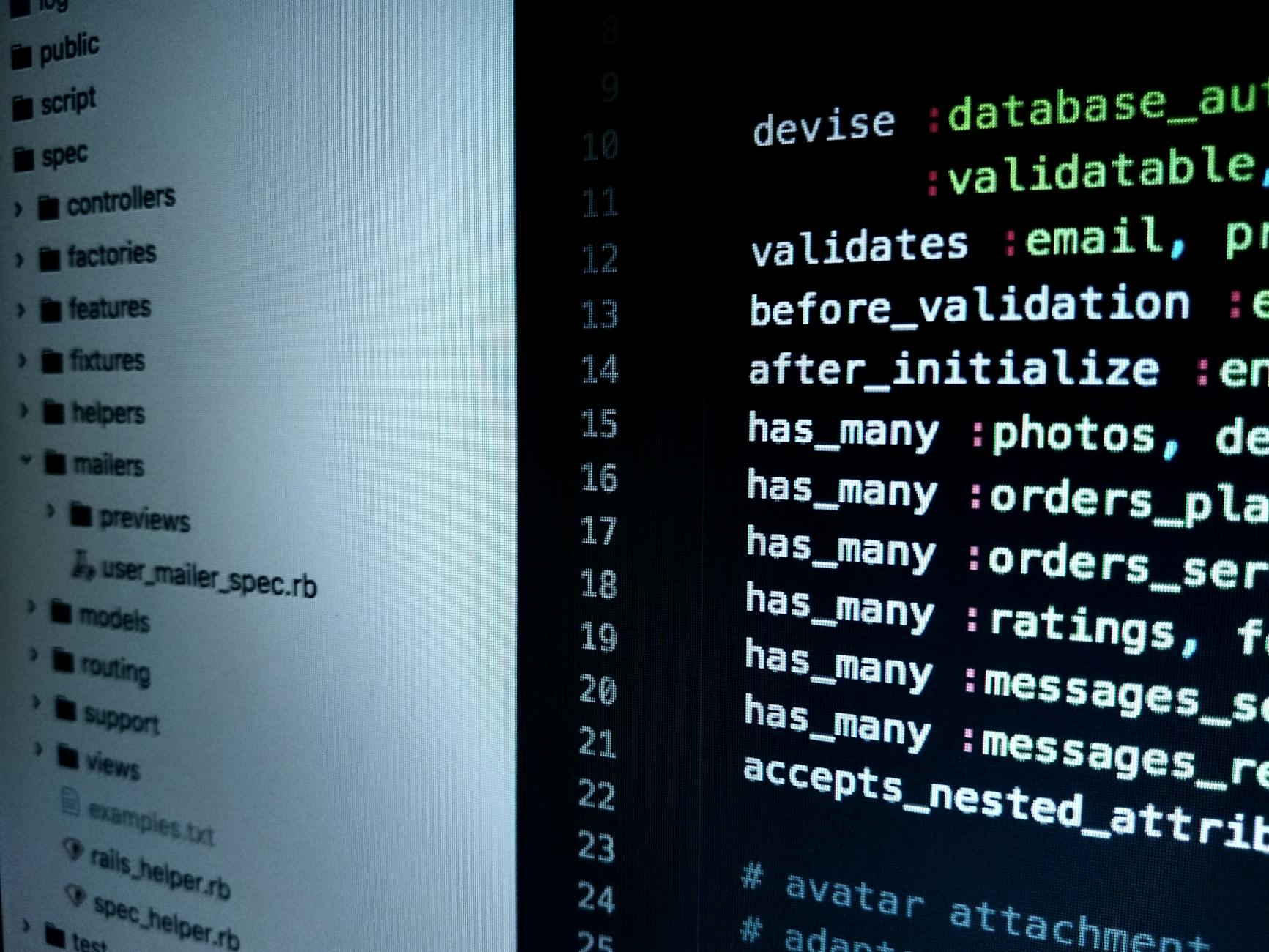
Photo by Digital Buggu on Pexels
What these use cases share is that the output is verifiable. The developer can look at a generated API endpoint and confirm it is correct, or review a generated test and verify it covers the right cases. The risk is proportional to how verifiable the output is.
Where AI Coding Assistants Introduce Risk
The risks of AI coding assistants concentrate in the places where output is hardest to verify quickly.
Security-sensitive code: AI tools are trained on large amounts of publicly available code, which includes code with known vulnerabilities. Cryptographic implementations, authentication logic, input validation, and access control are areas where AI-generated code should be treated with significant skepticism. The OWASP Top 10 vulnerabilities - SQL injection, XSS, insecure deserialization - all appear in AI-generated code with concerning regularity when developers do not review generated output carefully.
Architecture decisions: AI tools are good at writing code within a given architecture but poor at reasoning about whether the architecture is appropriate. A developer who asks an AI to extend a system that has fundamental design problems will get code that compiles and runs but perpetuates and entrenches the underlying problems. Architectural judgment still requires human experience.
Context that is not in the prompt: AI tools work within the context provided to them. They do not know about your team's conventions, your existing codebase's patterns, or the business constraints that shaped your current implementation. Code that is technically correct but violates your team's conventions or ignores existing utilities creates technical debt that is expensive to address later.
Code review as a substitute for understanding: The most significant risk is developers who ship AI-generated code they do not fully understand. When that code fails in production, debugging requires understanding what the code does and why - which is much harder if you did not write it and did not study it carefully before shipping. AI tools should accelerate development, not replace comprehension.
Integrating AI Tools Into Existing Workflows
Teams that benefit most from AI coding tools tend to have made deliberate decisions about where and how they use them rather than leaving integration to individual developer preference.
Define the review bar explicitly: AI-generated code should go through the same code review process as developer-written code. Some teams add an explicit policy: any code with significant AI contribution gets an extra reviewer. This is not a burden - it is a reasonable response to the risk profile of unverified AI output.
Separate generation from review sessions: Using AI assistance to generate a first draft and then stepping away from the tool to review and modify it produces better outcomes than using the tool interactively throughout development. The separation creates a natural review moment.
Retain ownership of architecture and integration: Use AI tools for implementation tasks within a defined structure, not for designing the structure itself. The more consequential the decision, the more important it is that a human makes it with full context.
Track quality metrics over time: If AI adoption is increasing test coverage and decreasing bug rates, the evidence supports continued use. If defect rates are climbing, that is a signal worth investigating before attributing it to other causes.

Photo by cottonbro studio on Pexels
What This Means for Hiring and Team Structure
AI coding assistants change the productivity equation in ways that affect how development teams are structured and how individual developers build their skills.
Developers who use AI tools effectively tend to be more senior - not because junior developers cannot use the tools, but because evaluating AI output requires enough domain knowledge to recognize when something is wrong. A junior developer who cannot yet distinguish correct from plausible-looking code is more susceptible to shipping incorrect AI-generated code than a senior developer who can spot the mistakes quickly.
This has an implication for how junior developers should use these tools. Learning to code with AI assistance from the start produces developers who are fast at generating code and slow at debugging it - a poor trade-off in the long run. Deliberate practice writing code without AI assistance, particularly for learning foundational concepts, remains important even as AI tools become standard in production workflows.
For teams evaluating whether to build custom software or extend an existing platform, the calculus around development time is changing as AI tools increase developer velocity. Custom solutions that previously required 3 months to build may now take 6-8 weeks with the right team and tooling. 137Foundry works with businesses navigating exactly this kind of evaluation, where the answer depends on both technical and business factors that shift as AI capabilities improve.
Choosing the Right AI Coding Tool for Your Team
The AI coding assistant market has fractured into several categories with meaningfully different capabilities. Understanding what each does helps teams choose the right tool rather than defaulting to the most marketed one.
Inline autocomplete tools (GitHub Copilot, Tabnine, Codeium) integrate directly into your editor and suggest completions as you type. They are the least disruptive to adopt because they fit into existing workflows without changing how you open files or structure your thinking. The suggestion appears inline and you accept or ignore it. For boilerplate and common patterns, these tools provide the most frictionless productivity gain.
Chat-based coding assistants (Copilot Chat, Cursor, Claude, ChatGPT) let you describe what you need in natural language and receive complete implementations, explanations, or refactored versions of existing code. These are more powerful for larger tasks but require more context-setting and produce output that needs more careful review.
AI-native editors (Cursor, Windsurf) rebuild the IDE experience around AI interaction. They provide multi-file context, can read your entire codebase, and support workflows where you describe a change and the tool implements it across multiple files. These are the most powerful option but also the highest adoption cost for teams with established tooling preferences.
Team-wide adoption is more valuable than individual adoption. A team where only one developer uses AI tools sees limited benefit. A team that has aligned on which tool to use, established review practices for AI-generated code, and documented where the tools are and are not appropriate gets the compounding benefits of consistent velocity improvement.
The Honest Assessment
AI coding assistants are a genuine productivity improvement for experienced developers working on well-defined tasks. They are not a substitute for software engineering expertise, code review discipline, or architectural judgment. The teams getting the most value from them are the ones who have been explicit about those distinctions rather than hoping the tools sort it out.
For technical reference on AI coding tools specifically, GitHub's Copilot documentation at docs.github.com/en/copilot provides detailed guidance on effective usage patterns. The OWASP foundation's resources on secure coding practices at owasp.org/www-project-top-ten are essential reading for any team using AI-generated code in security-relevant contexts.
For research on developer productivity and AI tooling, Stanford HAI's reports at hai.stanford.edu/research have published empirical data on the productivity effects of AI coding assistance. The findings are more nuanced than most vendor marketing suggests, which makes them more useful for planning.
The 137Foundry AI and automation services page covers how we approach AI integration in client projects - which often involves honest conversations about where AI tooling adds value and where it does not, rather than treating it as a universal solution.